
Video Doorbell Placement Tips for Better Front Door Coverage
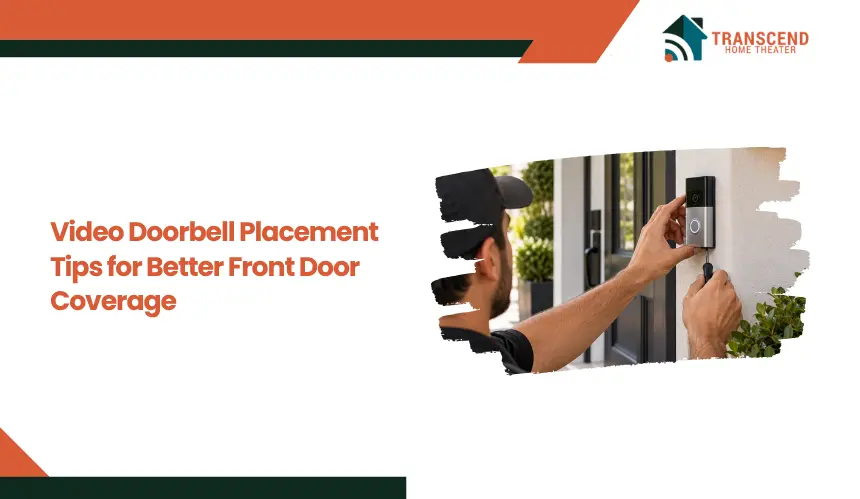
A Quick AnswerFor better front door coverage, install a video doorbell where it clearly captures faces, the visitor standing area, packages, and the main approach path. Around 48 inches from the ground is a strong starting point, but doorway layout, field of view, lighting, obstructions, and mounting angle should guide the final position. Test the live view in both daytime and nighttime conditions before completing installation. |
Video doorbell placement directly affects how clearly the camera captures visitors, packages, and activity around the front entrance. A poorly positioned device can leave blind spots, capture faces at an ineffective angle, or trigger unnecessary motion alerts.
The best position depends on more than mounting height. Doorway layout, approach direction, camera field of view, lighting, and nearby obstructions all influence usable coverage.
This guide explains how to position and adjust a video doorbell for clearer, more practical front door coverage.
Where Should You Place a Video Doorbell for the Best View?
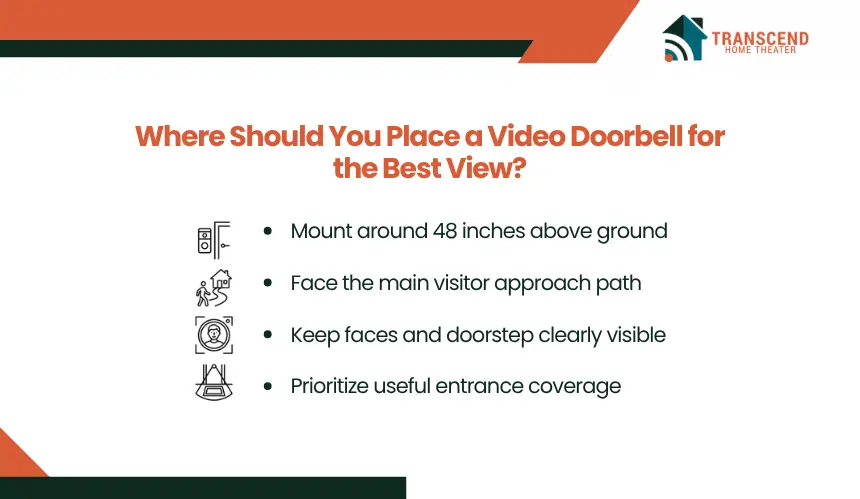
A video doorbell should be positioned where its camera can capture a visitor’s face, the area immediately in front of the door, and the primary approach path. The goal is balanced coverage rather than simply mounting the device wherever the existing doorbell wiring happens to be.
What Is the Best Height for a Video Doorbell?
For many video doorbells, mounting at roughly 48 inches (122 cm) above the ground provides a practical starting point, although manufacturer recommendations should take priority. This height typically keeps approaching visitors within the camera’s useful vertical field of view while retaining visibility closer to the doorstep.
Higher placement can shift too much of the frame toward heads and the background, reducing lower-area coverage. Mounting too low can produce less useful facial angles and allow people to move through portions of the approach before their faces are captured clearly.
Camera specifications also matter. Models with a tall or head-to-toe field of view can cover more vertical space than cameras with a wider, landscape-oriented frame. Use the recommended height as a baseline, then account for the actual viewing geometry of the device.
Should the Camera Face the Main Approach Path?
Yes. The camera should be oriented toward the route visitors normally take to reach the entrance. A doorbell mounted flat against a side-facing doorframe may technically overlook the porch but still capture people from the side or only after they reach the door.
Identify where a person first enters the useful camera area and where they naturally stand to press the doorbell. Positioning the lens toward that movement path increases the chance of capturing a usable frontal or three-quarter view rather than a brief edge-of-frame image.
The doorframe itself should therefore not determine camera direction. The visitor’s movement relative to the entrance is the more useful reference point.
What Should Be Visible in the Camera’s Field of View?
The frame should prioritize the areas that matter at the entrance: visitor faces, the standing area near the door, the doorstep or package zone, and the immediate approach. These areas provide more useful security context than maximizing the total amount of property visible.
Check both horizontal and vertical field of view when evaluating coverage. A wide lens may capture the full porch but provide limited visibility directly beneath the camera, while a taller field of view can preserve more of the doorstep.
Avoid positioning the camera primarily to capture distant sidewalks, roads, or neighboring property. Expanding the frame beyond the relevant entrance area can reduce useful subject detail and make the view less focused on activity occurring at the front door.
How Doorway Layout Changes the Best Placement
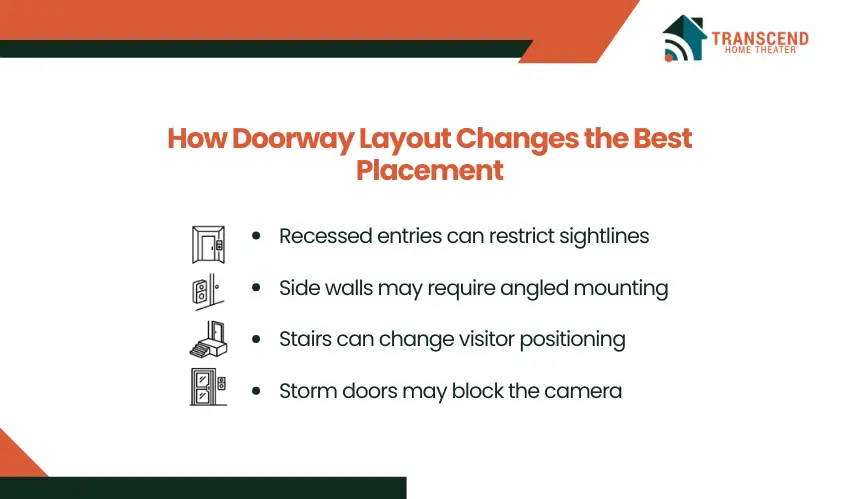
The physical design of an entrance determines whether a standard mounting position will actually provide usable coverage. Homes in McLean, VA and elsewhere in Virginia can have recessed entries, elevated porches, side-mounted doorbells, and storm doors that change the camera’s effective sightline.
Recessed and Covered Entrances
A recessed doorway can restrict the camera’s horizontal view because surrounding walls or columns create a narrower visual corridor. Deep covered porches can also produce strong exposure differences when the entrance remains shaded while the area beyond it is brightly lit.
For these entrances, evaluate the camera position from the outer edge of the approach inward. The lens needs an unobstructed sightline through the opening rather than a view dominated by the walls of the recess.
Side Walls and Offset Door Frames
Some entrances provide mounting space only on a wall or trim surface positioned beside the door. When that surface runs perpendicular or sharply angled to the visitor’s approach, a flat-mounted camera may point across the porch instead of toward the person arriving.
The available mounting surface should therefore be evaluated separately from the desired camera direction. If those two directions do not align, the installation may require an angled mounting solution rather than accepting the default orientation.
Stairs, Walkways, and Elevated Porches
Steps and sloped walkways change a visitor’s vertical position as they approach the camera. On an elevated porch, someone climbing the stairs may remain below the useful viewing area until reaching the landing, particularly when the stairs approach from the side.
The placement should account for where visitors become visible relative to the porch elevation and where they transition onto the landing. This is especially relevant for Virginia homes with raised entryways or front steps leading from a lower driveway or walkway.
Storm Doors and Screen Doors
An outward-opening storm or screen door can temporarily block a video doorbell if the camera sits too close to its swing path. Wide frames, handles, and partially opened doors can also interrupt the lens’s sightline even when the device itself remains uncovered.
Before choosing the mounting point, open the outer door through its full operating range and check the space it occupies. The camera should remain exposed when someone opens, holds, or stands behind the storm door so the entrance continues to be visible during normal use.
What Can Block or Reduce Video Doorbell Coverage?
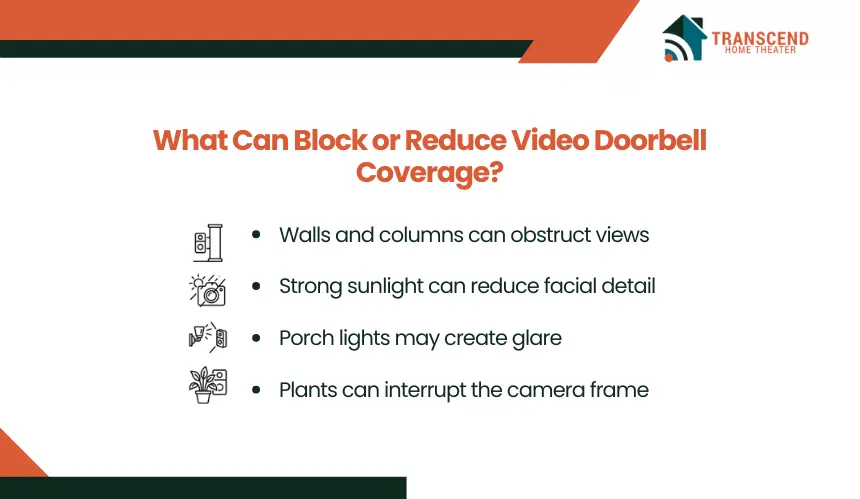
Even with the correct height and general orientation, objects and lighting conditions around the entrance can reduce usable image quality. The key is to identify anything that physically interrupts the lens, overwhelms camera exposure, or repeatedly enters the active detection area.
1. Walls, Columns, and Door Trim
Nearby architectural features can occupy a disproportionate part of the image when they sit close to a wide-angle lens. Thick trim, brick edges, porch columns, railings, and projecting walls may hide portions of the entrance or create areas the camera cannot see.
Check the live view for fixed objects along the edges of the frame. If a structural feature consumes significant image space or conceals an area where a person could approach, shifting the device slightly can produce a more useful sightline.
2. How Do Sunlight and Porch Lights Affect Video Quality?
Direct sunlight and strong artificial lighting can create overexposed areas while leaving a visitor’s face comparatively dark. Backlighting is particularly problematic when the camera faces a bright driveway, open sky, or low sun while the person remains under a shaded porch.
Nighttime placement introduces a different issue. Porch fixtures positioned close to the lens can produce glare, reflections, or uneven exposure, while reflective siding, glass, and glossy surfaces may interfere with infrared night vision.
These conditions can vary significantly throughout the day and across seasons. For homes in McLean, VA, changes in sun angle and mature tree cover can alter the balance between shade and direct light at the entrance, so a clear midday image alone does not confirm reliable visibility.
3. Plants and Moving Objects
Vegetation and decorative objects become coverage problems when they move between the camera and the area being monitored. Shrubs, tree branches, hanging baskets, seasonal decorations, flags, and wreaths can temporarily conceal activity or repeatedly create movement within the frame.
Evaluate these objects based on their likely movement, not only their position during installation. A branch that sits outside the camera view in calm weather may enter it during wind, while growing shrubs can gradually obstruct the lower portion of the entrance.
Maintain a clear visual corridor around the lens and the monitored entrance area. This preserves usable footage without requiring the camera to compensate for avoidable foreground movement or obstruction.
When Should You Use an Angle or Wedge Mount for a Video Doorbell?
An angle or wedge mount is useful when the mounting surface places the camera in the right general location but points the lens in the wrong direction. Instead of changing installation height unnecessarily, these accessories adjust the camera’s viewing axis to match the entrance geometry.
When Do You Need a Horizontal Angle Mount?
A horizontal angle mount turns the video doorbell left or right. It is most useful when the device must be installed beside the door, but the flat mounting surface directs the camera across the porch rather than toward arriving visitors.
The required angle depends on the relationship between the wall, walkway, and visitor standing position. The objective is not necessarily to point the camera straight ahead. It is to rotate the lens enough that normal foot traffic remains within the useful central portion of the image.
This approach can be particularly useful on McLean, VA homes with wide entryways, side-facing trim, or walkways that approach the front door diagonally.
When Is a Vertical Wedge Mount Useful?
A vertical wedge changes the camera’s upward or downward tilt. It can correct viewing geometry when the available installation point sits above or below the manufacturer’s preferred mounting height or when the entrance has a substantial elevation change.
For example, downward tilt may provide better coverage when the doorbell sits relatively high, while an upward adjustment can compensate for an unusually low mounting position. The amount of tilt should remain limited to what is necessary because excessive adjustment can move useful entrance activity toward the opposite edge of the frame.
Should You Angle the Doorbell or Relocate It?
Use an angle or wedge mount when the location is suitable, but the camera direction is not. Consider relocation when the mounting point itself creates a fundamental coverage limitation that changing the lens direction cannot correct.
A mounting accessory cannot compensate for every installation problem. If achieving the desired view requires an extreme angle, forces the camera to look past a structural obstruction, or produces heavily distorted edge-of-frame coverage, moving the device may provide a cleaner result.
For wired video doorbells, relocation can involve electrical or low-voltage wiring considerations. Homeowners in Virginia should account for the existing doorbell circuit, mounting surface, and manufacturer installation requirements before moving a wired unit to a substantially different position.
How to Test Video Doorbell Placement Before Final Installation
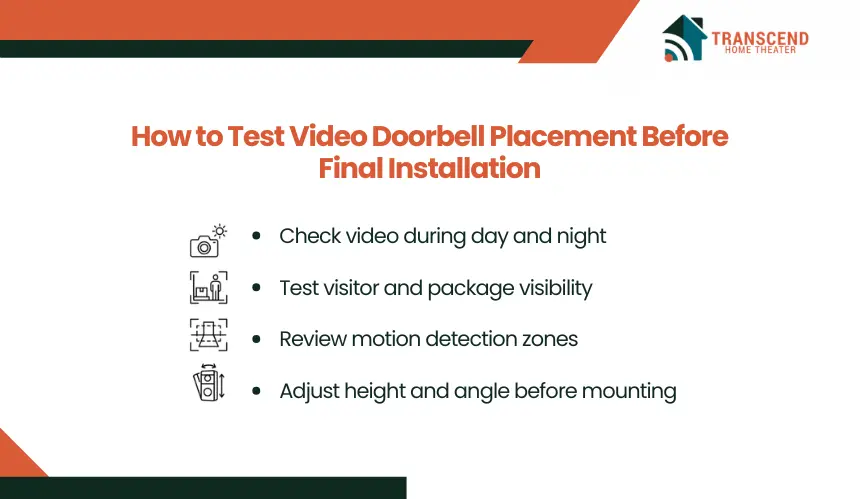
Test the proposed video doorbell position before drilling, routing wiring, or securing the final mount. Temporary positioning and live-view checks reveal whether the chosen setup performs reliably under the conditions the camera will encounter every day.
Check Daytime and Nighttime Video
Review recorded or live video during daylight, after dark, and during the lighting conditions that are most difficult for the entrance. Look specifically at facial detail, exposure balance, shadows, artificial lighting, and night-vision performance rather than judging placement by overall image brightness.
For Virginia homes with covered entrances and seasonal changes in daylight, testing at more than one time of day can expose lighting problems that are not visible during installation.
Test Visitor and Package Visibility
Have someone walk toward the entrance at a normal pace, stop where visitors typically stand, and interact with the door as they normally would. Review the footage to confirm that the camera captures useful identifying detail throughout the final part of the approach.
Next, place a typical delivery box where packages are normally left. Confirm that this area remains visible without sacrificing the primary view of people at the entrance. This test is especially useful for cameras marketed with head-to-toe or package-view capabilities because actual performance depends on installation geometry.
Review Motion Detection Zones
Once the physical view is satisfactory, configure the camera’s motion zones around the areas where activity matters. Exclude unnecessary portions of the street, public sidewalk, neighboring property, or other high-traffic areas when the device and app provide adjustable detection zones.
Then walk through the intended detection area several times. Check whether alerts occur early enough to capture a person approaching the door rather than only after they reach it. Detection sensitivity and motion zones can refine alert behavior, but they cannot compensate for a camera that physically does not see the relevant area.
Make Final Height and Angle Adjustments
Use the test footage to make small corrections before completing the installation. Compare different positions based on actual facial visibility, entrance coverage, and detection performance rather than choosing the view that simply appears widest.
Once the position performs consistently, complete the permanent mount according to the video doorbell manufacturer’s instructions. For wired installations in McLean, VA, or elsewhere in Virginia, electrical compatibility and safe wiring should also be verified before modifying or relocating the existing doorbell connection.
Want better coverage from your video doorbell? Transcend Home Theater provides professional video doorbell installation and smart home automation across the Washington, DC metro area, including Virginia, Maryland, and Northwest DC. Get your system positioned, connected, and configured for smarter front-door monitoring.
Frequently Asked Questions
Does Wi-Fi signal strength affect where I should install a video doorbell?
Wi-Fi quality can determine whether an otherwise well-positioned video doorbell performs reliably. A weak signal at the entrance may cause delayed notifications, buffering, slow live-view loading, or dropped connections. Test wireless strength at the exact mounting location, especially where brick, masonry, metal doors, or exterior walls separate the device from the router.
How can I keep a video doorbell from recording too much of my neighbor’s property?
Aim the camera primarily at your entrance and property, then use privacy masking or privacy zones if the manufacturer provides them. These controls can exclude portions of neighboring homes or other areas you do not need to monitor. Privacy requirements vary by jurisdiction, so local rules should also be considered when configuring residential surveillance.
Does a wired video doorbell have fewer placement options than a battery model?
Wired video doorbells are usually more constrained because placement must account for compatible low-voltage wiring and the existing doorbell circuit. Battery-powered models provide greater mounting flexibility because they do not require the same electrical connection. However, wireless placement still needs dependable Wi-Fi coverage and convenient access for periodic charging or battery replacement.
Can you install a video doorbell on brick, stone, or siding?
Video doorbells can be installed on many exterior surfaces, but the mounting hardware and installation method must match the material. Brick and masonry may require suitable anchors and drilling techniques, while siding may need a mounting block or adapter to create a stable, level surface. Avoid fastening the device where the base can flex or shift.
What is the best video doorbell option for renters who cannot drill into the doorframe?
A battery-powered video doorbell paired with a compatible removable or no-drill mount usually provides the most installation flexibility for renters. Before installation, confirm that the mounting system fits the door and does not damage the finish. Renters should also check lease requirements before adding cameras or modifying any existing doorbell equipment.